Helmlet pulls the settings Apple buries deep into your menu bar with a single click: keep your Mac awake, spin the fans up safely, keep an eye on the temperature, all without the Terminal.
Pay once, use forever · no subscription · free updates
Sound familiar?
Apple hides the most useful settings deep in menus, behind Terminal commands, or doesn't expose them at all.
Look away for a second and the transfer has stopped, the screen has gone dark.
Apple lets the fans spin up late. You only hear them once it's been hot for a while.
caffeinate, pmset, cryptic commands, or pricey, bloated tools.
The fix
Helmlet puts the switches that matter right in your menu bar: clear, safe, instant.
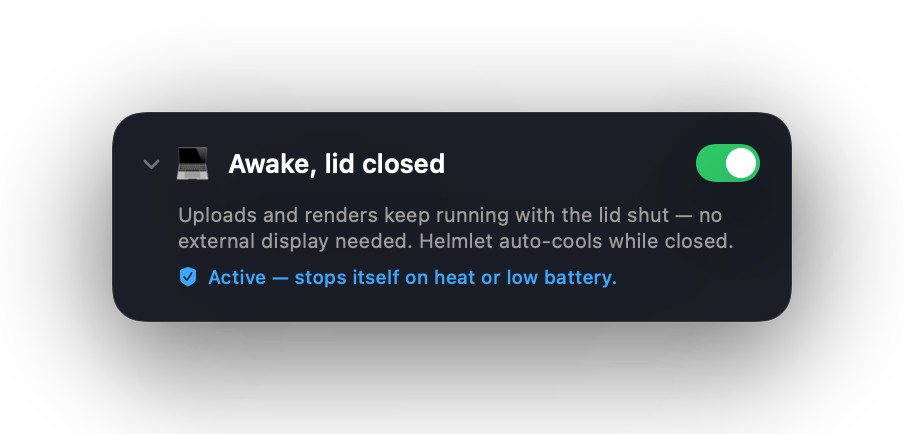
Keeps the display, system or network awake, with a timer. No more dropped download or a dark screen at the worst moment.
Spin the fans up manually before it gets hot. With its own timer, and over the moment it's no longer needed.
See in real time how warm your Mac runs, with color and emoji so you get it in a second.
A look inside
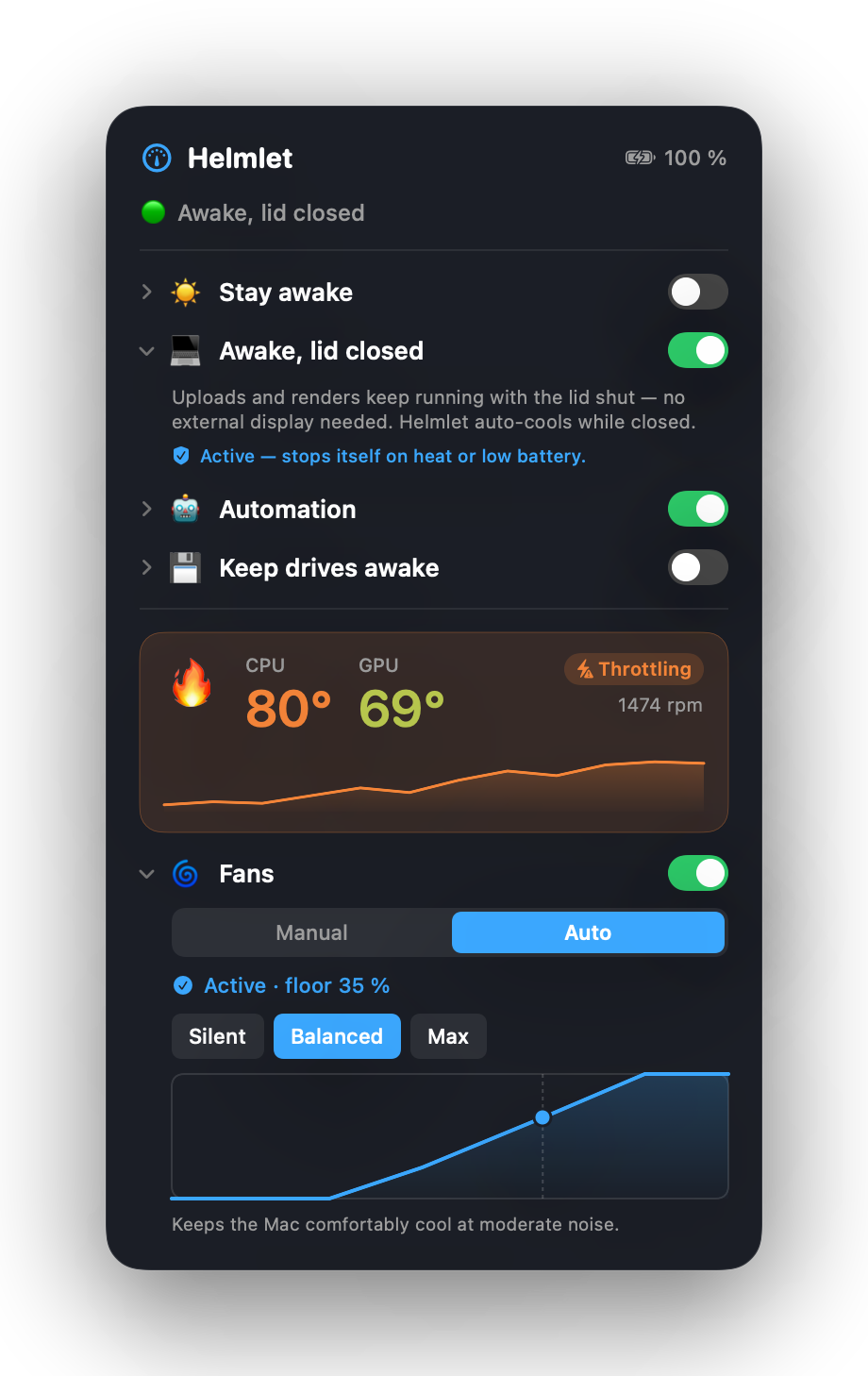
A tidy control panel in the menu bar, every feature exactly one click away.
The whole control panel at a glance: stay awake, fans, temperature.
Why Helmlet
What Helmlet does better than the Terminal route or heavyweight pro tools.
| Helmlet | Terminal | Pro tools | |
|---|---|---|---|
| Keep Mac awake | ✓ 1 click | caffeinate | partly |
| Control fans | ✓ slider | ✗ | ✓ |
| Built-in heat protection | ✓ automatic | ✗ | rarely |
| Usable without know-how | ✓ | ✗ | complex |
| No tracking / local | ✓ | ✓ | unclear |
| Price | €3.99 one-time | free | €10–30 |
Under the hood
Helmlet uses the official macOS interfaces, nothing that breaks with the next update.
Apple's own mechanism against sleep, exactly like the system tool caffeinate.
A tiny, secured background service controls the fans. Password once during install, never again.
Should the app ever crash, the Mac gets control back within seconds.
Apple's over-temperature throttling always runs underneath, impossible to switch off.
Who it's for
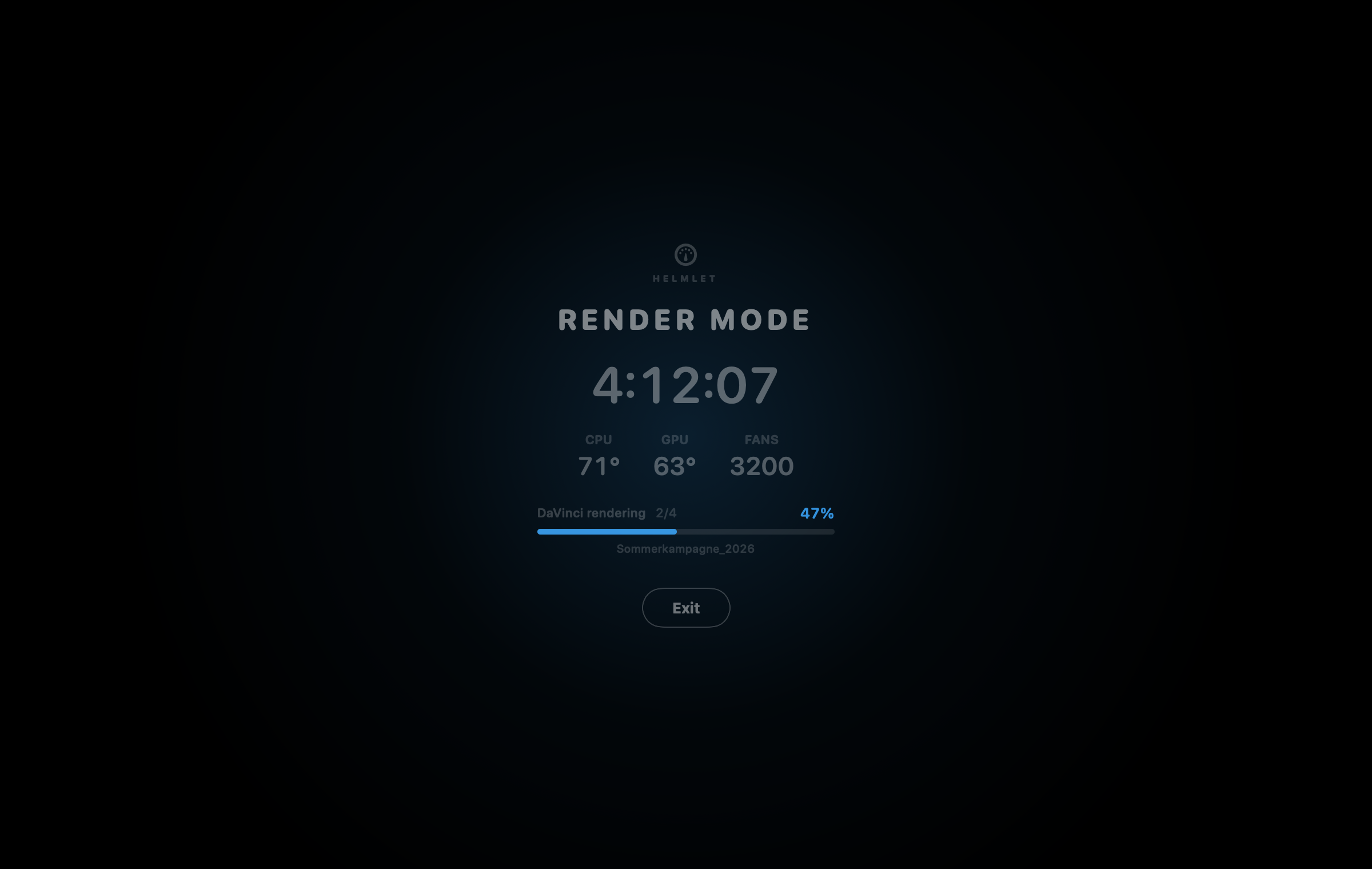
Renders run through without the Mac dozing off, and it stays cool too.
Builds, servers, long overnight tasks, without Terminal commands.
Spin the fans up before gaming instead of hearing them at 95 °C.
Finish big transfers without the network & system going to sleep.
Safety first
The fan slider is a minimum, not a cap. You can only cool better, never worse.
System requirements
Helmlet detects chip quirks automatically and runs across the whole M series, from M1 to M5.
Privacy
Helmlet needs no account. No cloud. No tracking.
No accounts, no logins, no profiling.
Only the update check fetches a tiny version file on launch, nothing else.
Checked by Apple before shipping, no Gatekeeper warning.
Price
The price of a coffee to go, one-time. No subscription, no hidden costs. Free updates included.
Unlocked instantly via code after purchase
Already bought? Download the app & unlock with your code.
FAQ
No. You can only cool more than macOS would, never less. When it gets warm the heat protection takes over and spins up early; in the critical range Helmlet hands control fully back to Apple. Apple's hardware throttling always runs underneath.
Apple Silicon Macs from the M1 to M5 family (MacBook Air/Pro, Mac mini, Studio, iMac) running macOS 13 (Ventura) or newer. Intel Macs are not supported.
No. Double-click the installer, click through, done. Helmlet then lives up in your menu bar.
On launch Helmlet checks for a new version in the background and shows a discreet banner when there is one; one click installs the update. You can also check any time under "Settings → Check for updates".
No. Everything runs locally on your Mac. No cloud, no telemetry, no accounts. The update check only fetches a version file, it sends nothing about you.
Native fan control isn't technically possible inside the App Store sandbox. That's why Helmlet is a direct download, notarized by Apple.
One license activates one Mac. Want Helmlet on another Mac? Just grab an additional license.
Keep your Mac awake, control the fans, watch the temperature, in the elegant menu bar app that just works.
One-time payment · no subscription · free updates